
Automatic link interception
Acts as your default browser and checks every HTTP/HTTPS link you tap, system-wide — then forwards safe links to the browser you actually use. Chrome, Firefox, anything.
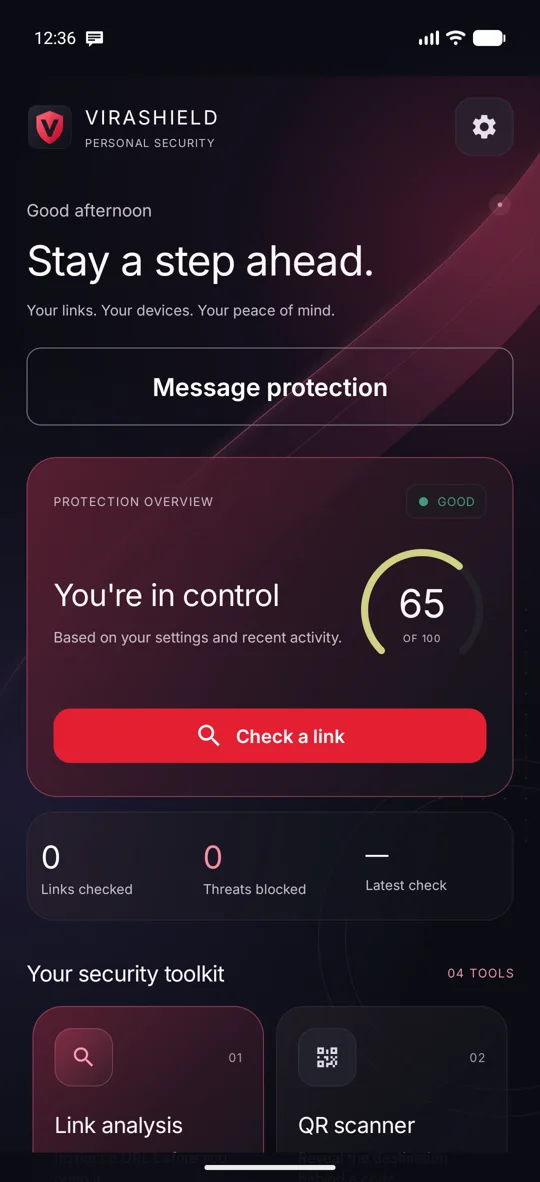
CoreViraShield checks suspicious links, QR codes and messages before you act — and tells you exactly why something looks dangerous, in plain language.
Problem statement
Scam messages pressure people to judge unfamiliar links and requests in seconds, with almost no context. One wrong tap can cost accounts, privacy and money.
Source: MHA / PIB, 11 Feb 2026. Reported national figures across cyber fraud — not confirmed losses or Android-specific cases. Growth calculated from 19,18,835 (2024) → 24,02,579 (2025) complaints.
Proposed solution
ViraShield focuses on the one moment that matters — before you click a link or share a code.
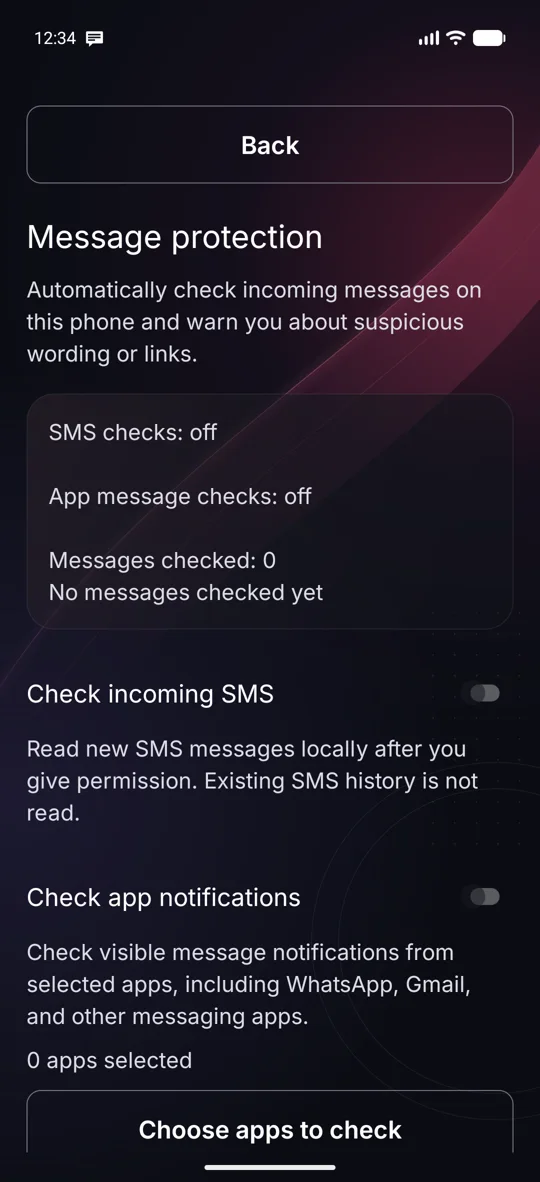
Approve ViraShield as the default browser in Android's own role dialog, then opt in to checking new SMS or notifications from apps you pick. Message sources start off.
Every link routed through ViraShield is scored before it opens. Message text is analysed on the phone by a local AI model plus safety rules.
Safe links open in your preferred browser. Risky ones are blocked with plain-language reasons. The final call is always yours.
Features
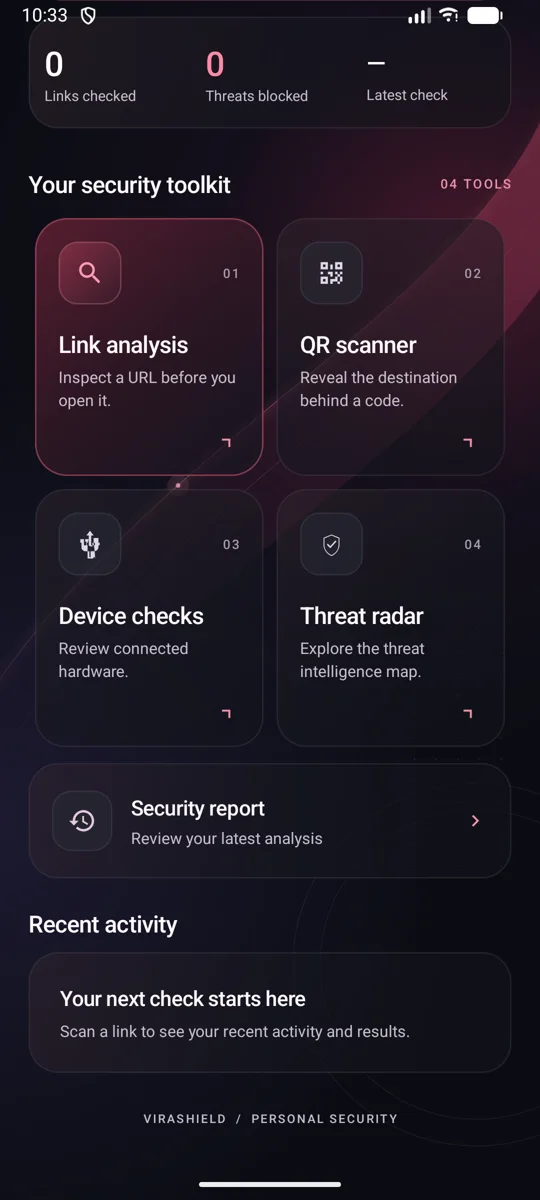
24 tools in one app — a complete security kit for everyday Android users.
Acts as your default browser and checks every HTTP/HTTPS link you tap, system-wide — then forwards safe links to the browser you actually use. Chrome, Firefox, anything.
CoreA risk profile built from six independent strands, each with a plain-language reason:
0–100 on-device scoring: IP hosts, punycode/homographs, excessive subdomains, suspicious TLDs, hyphen-heavy domains.
Compares what a page claims to be — title, logo, favicon, login form — with the domain it's really served from.
Background-synced domain database with SHA-256 hashed lookups via WorkManager.
Dangerous sites stopped with a clear warning, strong haptic alert and a "continue at your own risk" check.
Strict, Balanced or Lenient — plus custom rules and trusted domains.
A safety badge and page details before opening, and a full breakdown of every check after.
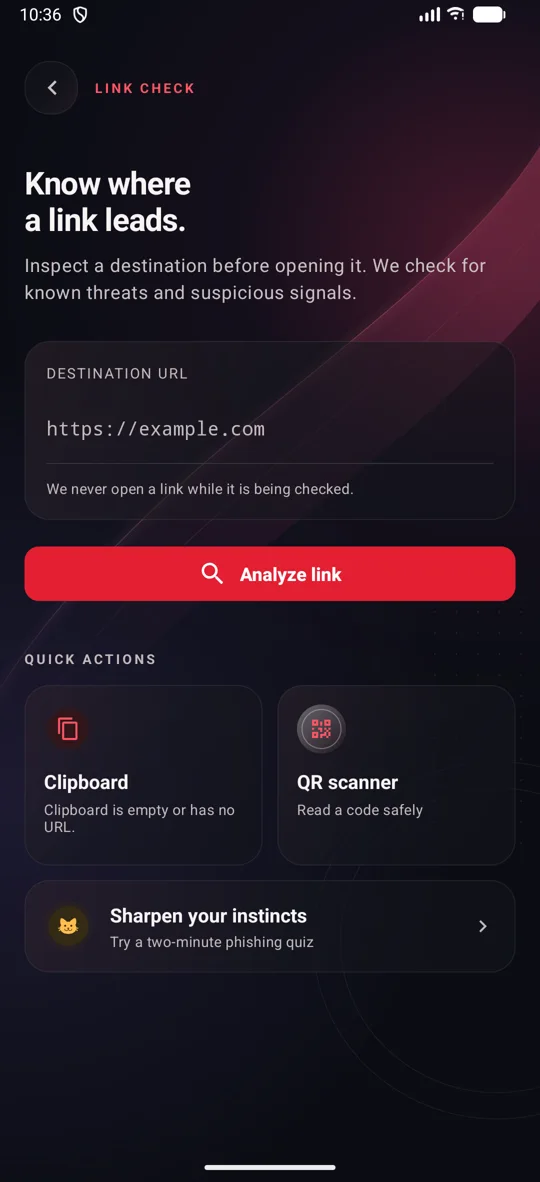
Paste or type any URL and inspect it before you open it.
CameraX + ML Kit reveal the real destination behind a QR code and check it first.
Optional background service that auto-scans URLs the moment you copy them.
Built-in browsing view with an ad and tracker domain blocklist.
With your permission, new SMS are checked on the phone for scam signs. Your existing inbox is never read.
Checks visible message notifications from apps you choose — WhatsApp, Gmail and more. Duplicates suppressed for 10 minutes.
Paste or type any message you received for an instant on-phone check. Nothing is sent anywhere.
Catches OTP/secret-code requests, payment pressure, urgency, remote-access apps, impersonation and risky links.
Detects a USB data port vs. a pure wall charger and warns you about juice jacking on untrusted PCs.
Flags risky permission combinations, unusual install sources and changes since the last scan — metadata only.
On-device graph of domains, IPs, redirect hops and imitated brands — revealing connected threat clusters.
Explore a visual threat-intelligence map straight from the dashboard.
One switch: a large-text home with just three actions — Check a link, Message protection, Settings.
"Is this URL safe or suspicious?" — learn to spot scams yourself.
Protection score gauge, weekly chart, daily summaries and weekly report notifications.
Five colour themes, distinct vibration patterns, a home-screen widget and a floating scanner bubble.
Interactive demo
A taste of ViraShield's on-device heuristics, running in your browser. Nothing you type leaves this page.
—
Website demo of a few URL heuristics only. The ViraShield app also uses its local blocklist, Link DNA, certificate and redirect checks and the fake-site detector. No tool can guarantee a link is safe.
Privacy by design
All message inference runs on the phone. No message content is uploaded.
Message bodies and sender details are processed in memory only.
Max 20 warning summaries, kept 7 days, excluded from backup. Clear anytime.
You pick each source. Revoking access stops checks instantly — even queued ones.
Never sends, deletes or marks messages read. Never opens extracted links.
Hidden, muted or redacted notification content is respected, not worked around.
Tech stack, AI & tools
Bundled English spam classifier
A text classifier, not a generative chatbot. Trained on the UCI SMS Spam Collection (Almeida & Gómez Hidalgo, CC BY 4.0).
Kotlin · AndroidX · XML + ViewBinding · Material · Android 11+
Heuristic scanner · Link DNA · local blocklist · RDAP · OkHttp · SHA-256
CameraX · Google ML Kit barcode scanning
WorkManager · coroutines · NotificationListenerService · SMS receiver
RoleManager · foreground services · app widget · haptics
Python training & evaluation pipeline
Prototype demo
Real screenshots from the ViraShield Android app. Drag to explore.
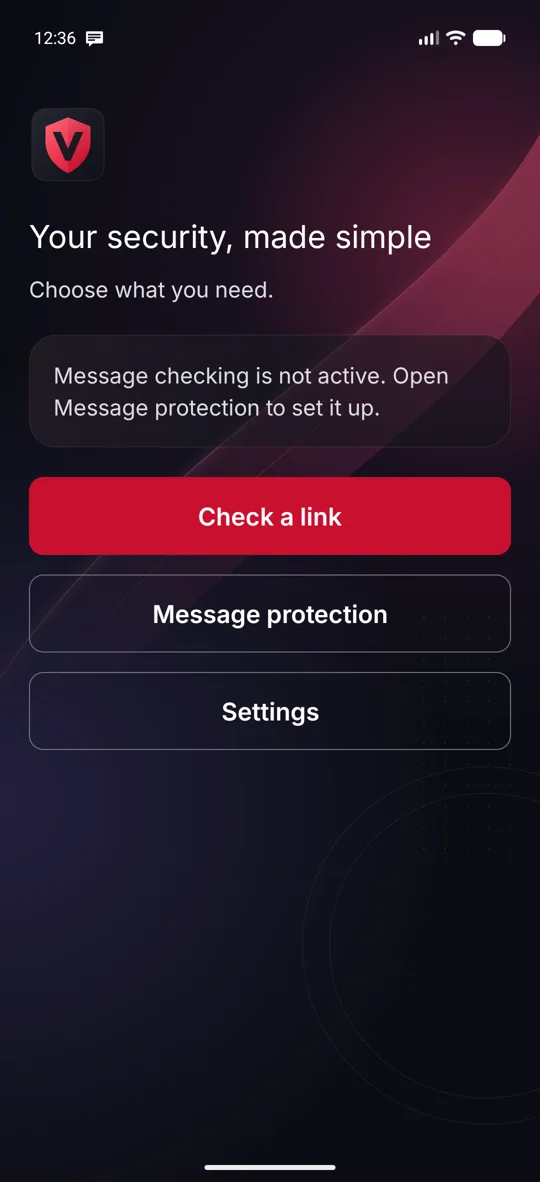
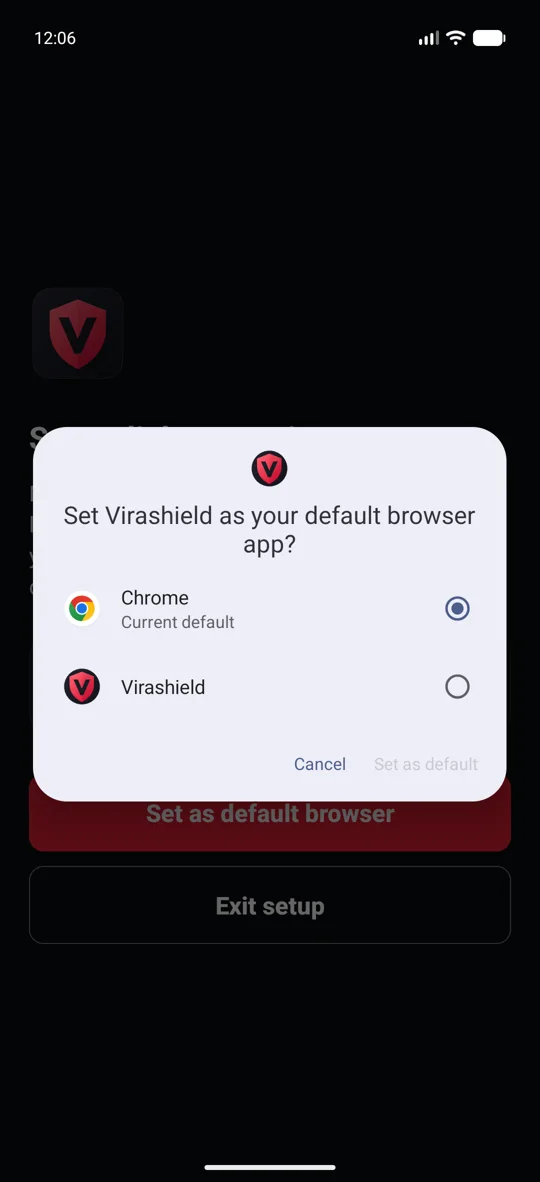
Historical English SMS dataset results — not real-world scam accuracy. Real-device Gmail/WhatsApp delivery and modern scam patterns still need validation. Debug build and lint pass with zero errors.
Audience & impact
People who need clear guidance before trusting a link or message.
Simple interface and large text for seniors and first-time smartphone users.
Students and schools where we can run opt-in pilots.
Help people pause and understand warnings. We'll measure comprehension, false alerts, setup completion and repeat use — before claiming any financial outcomes.
Future plans & scalability
Go-to-market
Recruit opt-in campus and community groups.
Use consented feedback to improve onboarding and warnings.
Test consumer channels and institutional sponsorship.
Business hypothesis: free core checks, with paid convenience or sponsored access.
Roadmap
Evaluation against current English scam patterns.
Testing in Indian languages and more accessible onboarding.
Vetted threat-intelligence updates at scale.
On-device inference keeps per-message cloud cost near zero — ViraShield scales with users, not servers.
The team
Two student builders on a mission to help people make a safer decision before they act online.
Co-founder · Developer
Co-founder · Developer

FAQ
That's how Android lets an app see links before they open. ViraShield checks the link, then hands safe ones to the browser you prefer — you keep browsing with Chrome, Firefox or anything else. You approve it in Android's own dialog.
No. It only checks new SMS (after you allow it) and visible notification text from apps you select. It can't read full chat or email histories, attachments or hidden content, and it never stores original messages.
Message analysis happens entirely on your phone. Some link features (like domain registry lookups or blocklist sync) use the network, but message content is never uploaded.
No security tool can. ViraShield flags suspicious patterns and explains why — it can miss scams or flag genuine messages, and it can't verify who a sender really is. When unsure, call someone you trust.
Android 11 and above. The message model currently supports English; regional-language testing is on the roadmap.